
STEM teaching. Everything in one place.
Materials and calculators meet support that helps students move forward from their own working.
Supported by


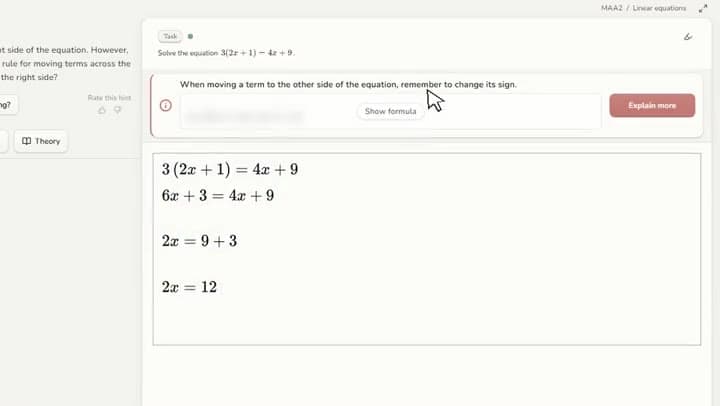
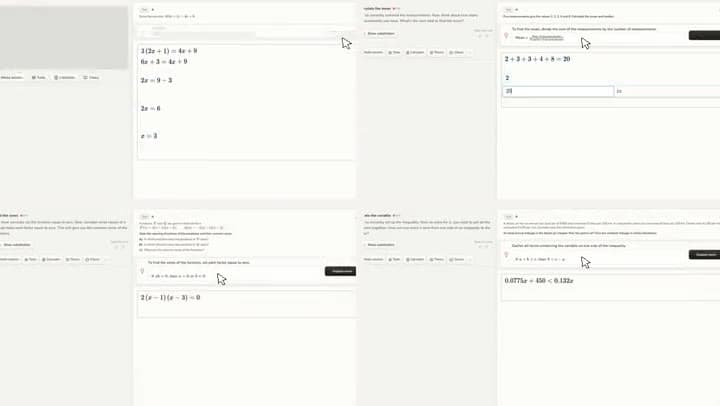
See how students reached their answers.
See the whole group's progress, students' working and the hints they used. Which tasks need more support? How does a solution change after a hint? Use these insights to guide your teaching and support where they are needed.
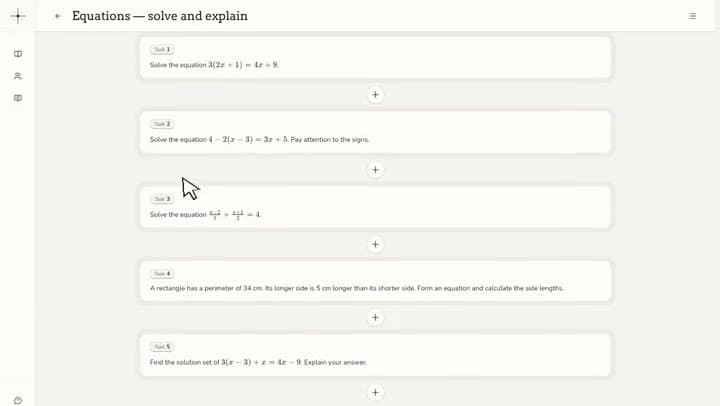
Ready-made materials. Your own tasks, too.
Use Origo's course materials or import your own tasks from Abitti or Google Drive. Edit tasks and share them with your group in the same place.
Explore the coursesTools that make everyday teaching easier.
Calculators, theory and calculator instructions support students alongside the task. Highlight key information and invite a colleague to the same classroom.
Explore the features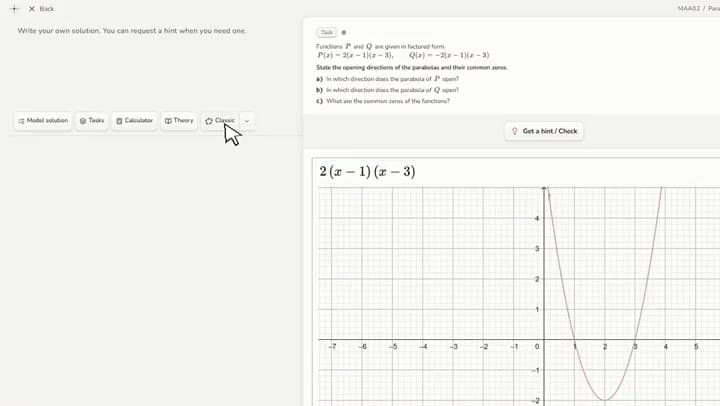
Try it with your own group.
Start with a revision lesson and see how Origo works in your classroom.