Follow progress
Understand what your students have completed and where they may need help.
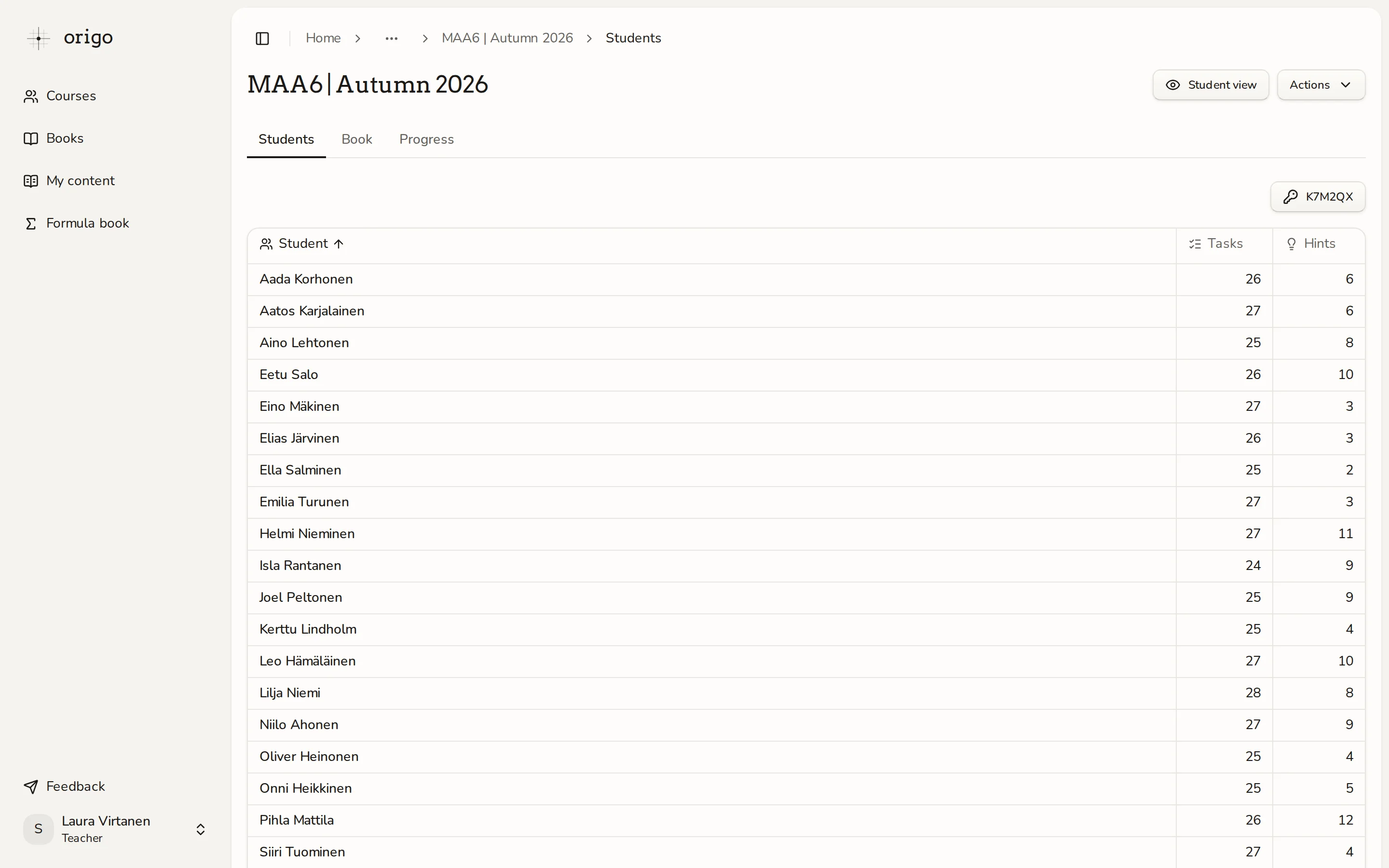
Open the student list
Open your course in the teacher view and select Students. Hints count only completed tasks. Select a student's name to see their work by topic.
Decide what to review together
Use the numbers as a starting point for a conversation. A student may complete many tasks while still needing hints. Look at their work before deciding what support to offer.
Export completions
Open Actions and choose Export CSV to download a table of student completions. The export includes names and email addresses, so share it only with people who need that information.